Ages 5–7
Count, build, choose.
- Math: "Which tray really has more?", ten frames, first number lines
- Coding: picture blocks they can run — "First, then", "Follow the arrows"
- Human Skills: "Ask Before Helping", "My Turn, Your Choice"
For ages 5 to 18
A calm, private place where children build real understanding in mathematics, build real things with code, and practice the human skills behind every great founder, leader and good neighbor.
No sign-up for the sample · $19 per child, per course, per month · cancel any time.
Already a member? Sign in
KidsSign in with your username ParentsOpen your family portal InstitutionsSchools, centers and tutors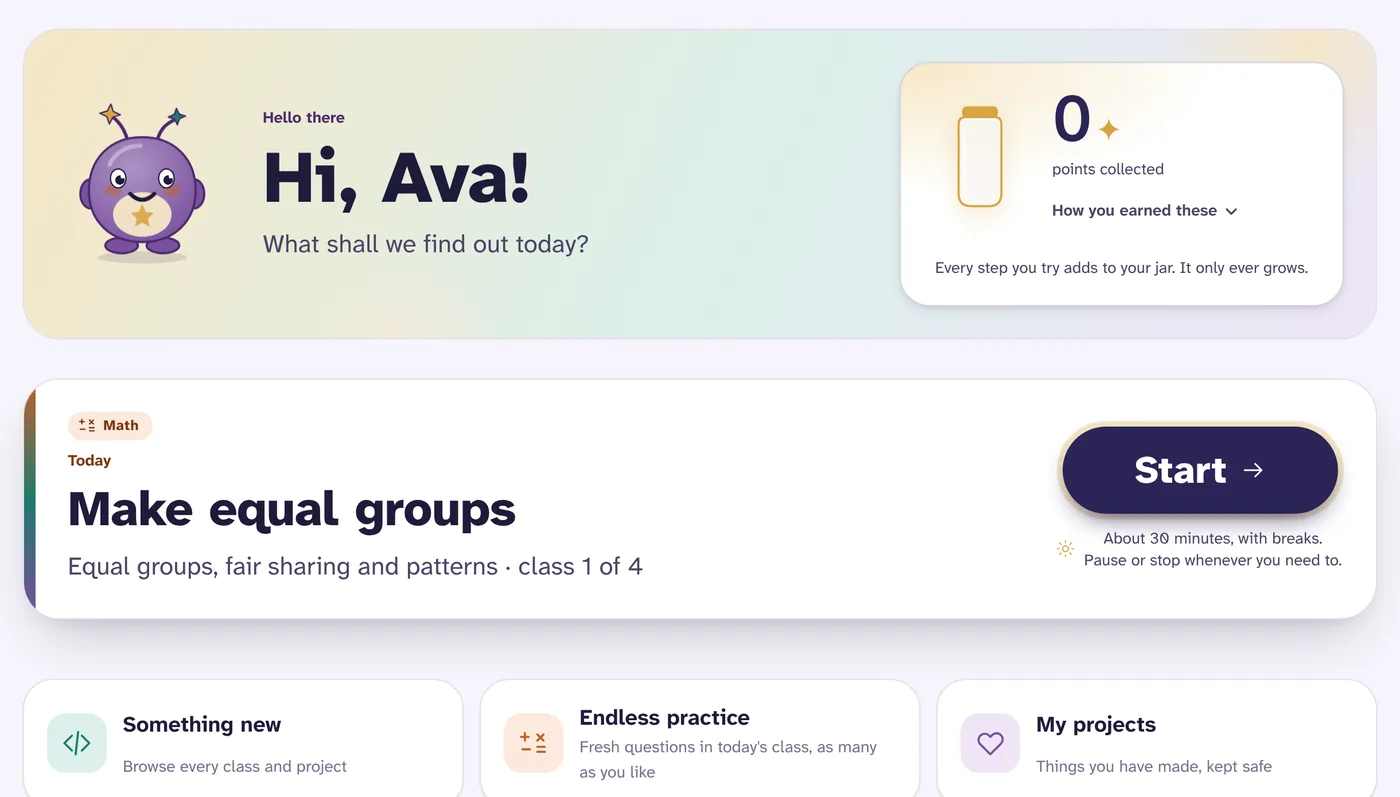
What is available today
Everything below is live as of October 2026. What you pay for is what is already there; new lessons are added as they pass review.
Start where your child is
Age sets the presentation, not the ceiling. A seven-year-old gets pictures, read-aloud and big buttons; a fifteen-year-old gets Python, data and real trade-offs. Every child can move faster or slower than their age.
Ages 5–7
Ages 8–10
Ages 11–13
Ages 14–18
Things they make and keep
Projects start in the first unit. These are three of the 96 coding briefs, exactly as children find them.
Ages 8–10 · a few classes
A fictional museum with a lobby and two doors, Art and Science. The child invents an exhibit for each room, makes the program branch on the chosen door, answers honestly when someone types a door that does not exist, and adds a Return control back to the lobby.
Ages 11–13 · a few classes
A function that writes dialogue for fictional characters from their stated goals, keeping what a character needs apart from what we guess they feel. The child states what the function must accept and return, predicts each case, studies a complete reference, then builds their own version with a design choice of their own.
Ages 14–18 · several classes
An original two-ending story for the web with proper headings, labeled controls that work with a keyboard and a screen reader, and a clear answer when a reader makes an unexpected choice. The student writes the input, output and state contract first, traces it by hand, then builds it.
Three subjects, one path
2,619 classes, projects and briefs across ages 5 to 18. Most units end in a project they make and keep.
From counting and ten frames to fractions, algebra, functions, statistics and modeling. Visual models first, then reasoning in words and symbols.
Young children start with picture blocks they can run. Older learners move to Python and the web, building games, tools and data projects.
Evidence and reasoning, empathy, boundaries, repair after conflict, and working well with others, taught through stories about fictional characters.
For tomorrow's founders and leaders
Five strands prepare every child, whether they will run a company, a city, a classroom or a household.
Two portals
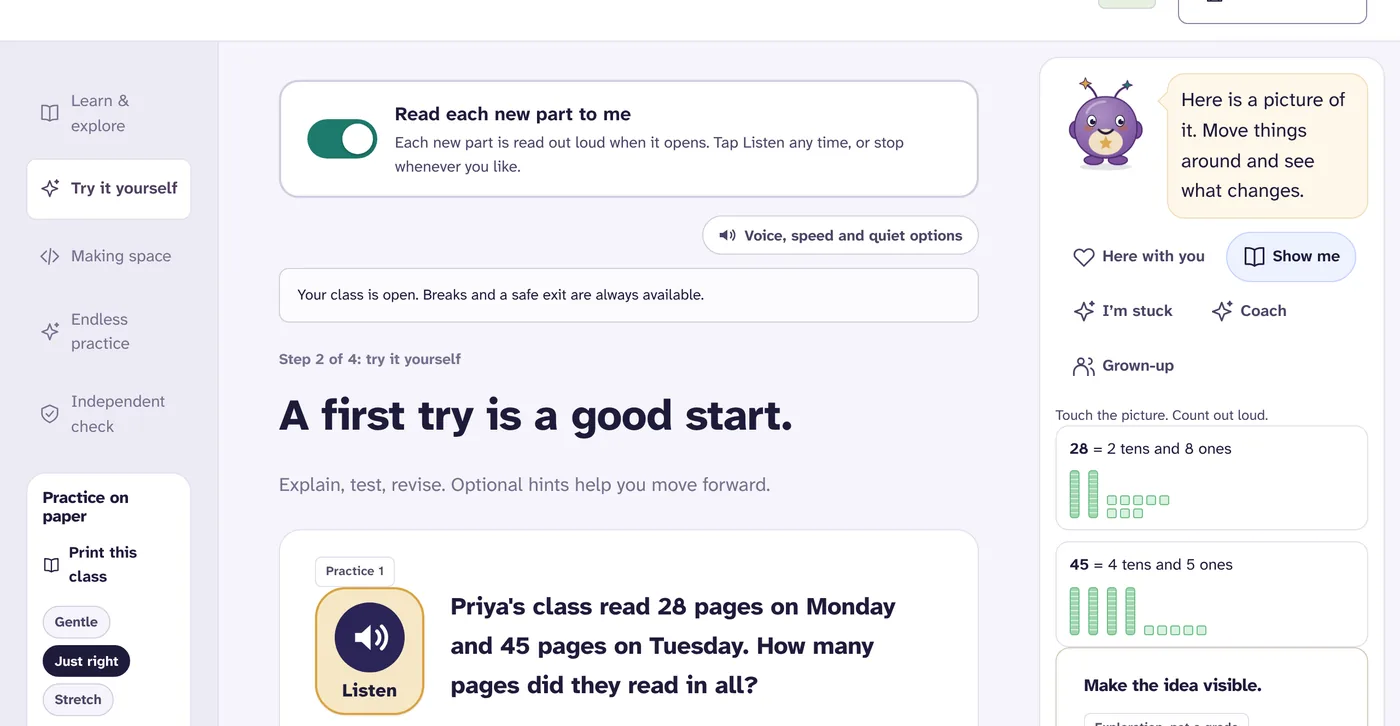
An age-adaptive home with Pip the companion, a journey map of the year, stamps for finished units, a portfolio of projects and a small celebration at the end of each class. Young children get read-aloud help.
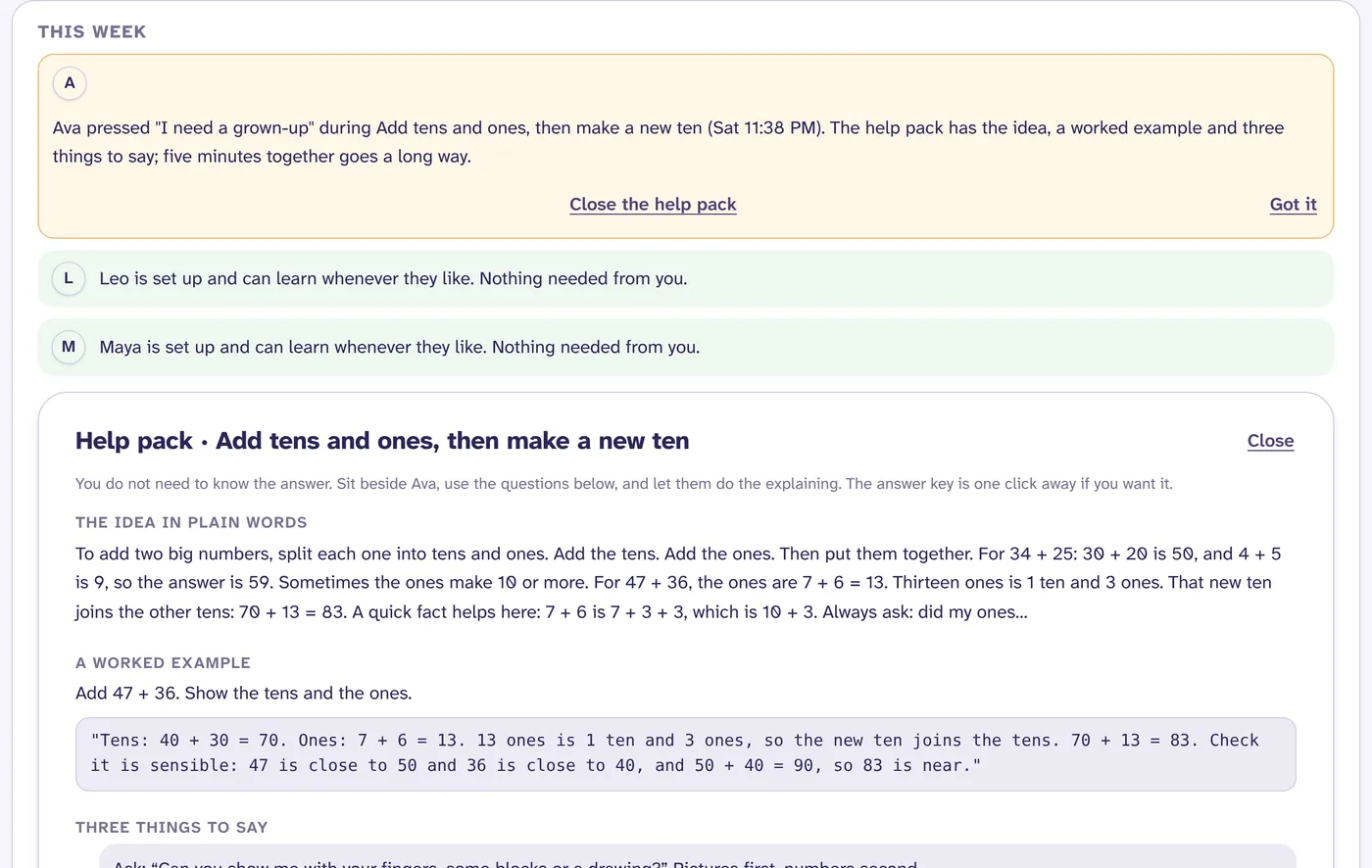
A plain-words picture of each child's week, a weekly letter, printable practice, a five-minute help pack whenever your child asks for you, and privacy controls including export. Each child has their own login and private progress. You can also let a tutor, teacher or school follow along, and remove them any time.
Children earn points for trying, finishing classes, projects and reviews. Never for minutes spent. There are no leaderboards, no streaks to lose and nothing to buy. Parents can set their own optional rewards.
What parents see
Not a completion percentage. The letter says what your child demonstrated on their own, where they needed help, and what comes next. Here is one, with made-up details.
Example with fictional data. Letters mention only what you chose to see in Updates & privacy.
Example · About Leo's week
Demonstrated on his own: added and subtracted signed numbers on a number line in a fresh check (3 of 4 correct, retried the fourth and explained the slip).
Needed help with: equivalent-ratio tables. He asked for two hints and the coach on Tuesday; by Thursday he did a similar table without help.
Made: "Turtle star" in Python — a five-point star drawn with a loop. It is in his portfolio.
Next: ratio tables once more this week, then the first Human Skills class "Convincing but Wrong". No action needed from you; if you want, ask him to show you the star.
Points this week: +45 (classes started, a fresh check, a project). Points are never spent or lost.
Simple pricing
Choose Math, Coding, or both. Human Skills is included free with either. Add or cancel a course at any time. No family should miss out over cost: if $19 is hard right now, apply for a free course.
$19/month
per child, per course
Create your account, add your children, and start today. Pay with PayPal; cancel any time.
Create your family accountQuestions parents ask
You create the family account (two minutes), add each child, and confirm two emails: one that proves it is your address, one that gives your consent for your child. Your child signs in with their own username. An optional placement quest finds a starting point; then it is one class a day of about 30 minutes, with breaks. By the end of the week there is usually a first finished project in the portfolio.
For ages 5–7, sit nearby for the first few classes; the app reads aloud and uses big buttons, but a hand on the shoulder helps. From about 8, children run it alone. Nothing in a class needs a parent's password. Every class has a safe stop, an "Ask a trusted person" button that never contacts anyone, and an "I need a grown-up" button that lets you know in the parent portal.
By what a child can do without help. Hints and the coach are always available during practice, and we record when they were used. A short fresh check at the end of a class uses a new situation with no help; only those count as demonstrated. The weekly letter tells you both, in plain words.
Yes, in any modern browser, with nothing to install. Math and Human Skills are comfortable on a phone. Coding is best with a keyboard: a laptop, or a tablet with one.
New classes and projects are added as they pass review; the counts on this page are what is live now. In Math and Coding, practice never runs out: each question is newly made and its answer is checked by fixed rules, up to 240 a day per child as a pace limit. Parents get the answer key for anything a child prints.
Yes. The parent who sets up the family can invite the other parent or a guardian from the Parents tab. Each of you signs in with your own email and sees the same children, weekly letters and rewards. Payments stay with the parent who set up the family.
Every 20 minutes on screen, Pip pauses the class for a 20-second eye break to look far away. Work is saved and only a grown-up can turn the breaks off. A softer screen turns on in the evening, and bigger words are one tap away.
Billing starts when you subscribe through PayPal and renews monthly. Cancel any time from the parent portal or your PayPal account; access runs to the end of the paid month. First payment refunded in full if you cancel within 7 days.
Each child has their own login, progress and projects. Each course is $19 per child per month, so two children in Math is $38. You can add or drop a course for a child at any time; nothing is lost when a course lapses, and it all comes back when you resume.
We collect only what a learning service needs, never show ads, never sell your data, and the built-in coach runs on our own server. You can see, download or delete everything about your child at any time. The full privacy policy is written in plain words.
Ask for a free course. No proof needed: a short form with your name, email, your children's ages and the course. It works exactly like a paid one, and it can end at any time.